
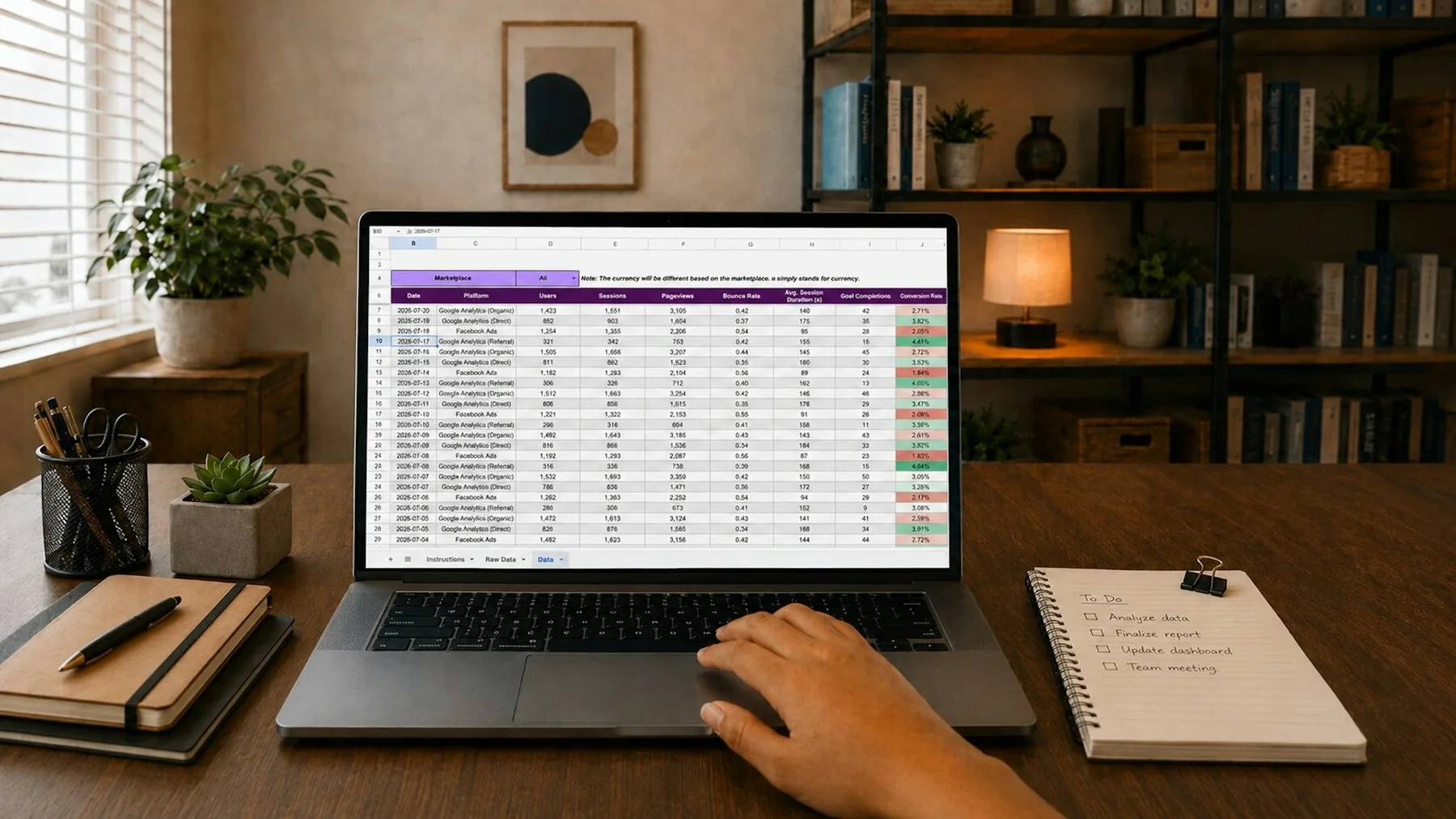
Begin with the exact file, not a spreadsheet screenshot
CSV looks simple because a small example can be read by eye. Real exports become ambiguous when a field contains a comma, a quote, or a line break. A screenshot of the first few spreadsheet rows cannot show whether the saved file preserved those characters, added a byte-order mark, changed line endings, or emitted different headers. Keep the original file unchanged and inspect a local copy of the text before importing it into a pipeline.
The CSV Workbench is designed for a pasted, bounded sample. It parses delimited records, shows rows whose field counts differ from the header, and can convert records into JSON for a quick inspection. The tool does not run a spreadsheet engine, infer date or number types, preserve formulas or formatting, or claim compatibility with every exporter. It treats values as text. Decide whether that is appropriate before using the output as data for a typed application.
Why quotes change the row boundaries
RFC 4180 describes a common CSV format and documents several conventions: records may have a header, fields can be separated by commas, and fields containing commas, quotes, or line breaks are enclosed in double quotes. A quote inside a quoted field is represented by two consecutive double quotes. This is why splitting every line on commas is not a CSV parser. A comma inside an enclosed field is data, not a separator.
Line endings also require care. A logical record may span multiple physical lines when a quoted field contains a line break. A parser must track whether it is inside a quoted field before deciding that a newline ends the record. When a quote closes, the following character should be a delimiter, a record ending, or whitespace permitted by the implementation’s chosen policy. The exact behavior can vary among systems, so test the exporter and consumer pair you actually use.
RFC 4180 is informational and describes a common format rather than every vendor dialect. Exporters may use semicolons, tabs, different quote conventions, or different encodings. Some regional spreadsheet settings choose a delimiter based on the locale. If a file is semicolon-delimited, selecting comma may produce a single wide field or split embedded commas into misleading columns. Never “repair” a parse by changing delimiters until the data looks plausible; compare the selected delimiter with the source export settings or a known row.
Treat headers as data with rules of their own
The first record is not automatically a header. A header choice changes how later rows are named, so make that choice explicit. A header can contain blanks, repeated names, surrounding whitespace, or spelling differences such as user_id and User ID. Decide whether to preserve exact names, normalize them, or map them to application fields. When converting to JSON, duplicate object keys are especially problematic because many parsers retain only one value. A preview tool may disambiguate repeated headings for display, but that altered name is a convenience, not a promise that the downstream schema accepts it.
Check each record’s field count against the expected number of columns. A shorter row may mean a trailing empty field was omitted or a delimiter was lost. A longer row may mean a value was not quoted properly. Review the actual source line and its quoting before making a correction. Do not discard extra columns or silently fill all blanks with zero; an empty string, a missing value, and numeric zero are different inputs with different meanings.
Blank records deserve a deliberate policy. A parser may skip a completely empty line while preserving a row that contains an empty field. A line with two delimiters can represent three empty values. Some datasets use a sentinel string such as N/A, while others mean literal text. The CSV format does not know whether a field represents a date, an identifier, a decimal, or a missing value. Record those semantic decisions in the import mapping rather than inferring them from appearance.
Convert to JSON only after the shape checks
CSV has rows and columns but no built-in type system. Converting it to JSON records usually turns each cell into a string unless a separate schema or mapping says otherwise. An identifier such as 00123 may be damaged if a conversion step treats it as the number 123. A timestamp may be interpreted in a different timezone by a later system. Large integer-like identifiers can exceed the safe exact range of some numeric environments. Keep such fields as text unless the contract explicitly defines numeric arithmetic.
Before conversion, choose a stable output mapping. Use explicit target field names instead of relying indefinitely on exporter headings. Decide how to represent blanks, optional columns, and repeated headings. Validate one ordinary record, one record with an embedded delimiter, one record with a quote, and one record with a multiline field if the source format permits it. Include uneven row widths as an error case. Save a copy of the resulting fixture with private values removed so the import behavior remains reproducible.
CSV files can also carry spreadsheet formulas. If an untrusted value begins with characters a spreadsheet interprets as a formula, opening or re-exporting the file in spreadsheet software may evaluate it. OWASP’s CSV Injection guidance describes this risk and mitigation considerations. A local row preview does not neutralize formulas or certify that a CSV is safe to open. When exporting user-controlled values for spreadsheet use, apply a context-appropriate defense and test it in the target spreadsheet; simply adding quotes is not a universal security guarantee.
Diagnose a multiline record and a short row
Paste this invented fixture into CSV Workbench with comma as the delimiter and the first row treated as headers:
id,note
00123,"First line
Second line, with ""quotes"""
00456
There are two data records, although the text occupies four physical lines. The first record contains the string identifier 00123 and a note containing a newline, a comma, and literal quotation marks. The doubled quotes escape the quotation marks inside that field. They do not end the record or create additional columns. The second record contains only 00456, so the workbench warns that data row two has one field where two were expected.
Inspect the JSON preview carefully. The identifier remains a string, including its leading zeros. The short row receives an empty string for its missing note in this tool's preview, but that display choice does not establish that the source explicitly supplied an empty field. Add a trailing comma to 00456 and run again: the source now has two fields and the row-width warning disappears. The displayed note can still be empty in both cases. A downstream importer may treat those inputs differently, so retain the warning alongside the converted records.
To test quote recovery, remove the final closing quote from the first record. The parser should reject the unmatched quoted field instead of returning a plausible table. Restore it before trying another change. This makes the failure attributable to one edit.
For larger imports, carry this fixture into the production parser's tests and document whether blank records are ignored. Also decide how explicit empty fields differ from absent columns. Neither punctuation repair nor a string-only JSON preview answers those application questions. The fixture gives the importer owner an exact input and expected structural outcome to discuss.